
Tutorials
Get to know Financial Portfolio
Step-by-step walkthroughs of the documented app, from your first records to documents and goals.

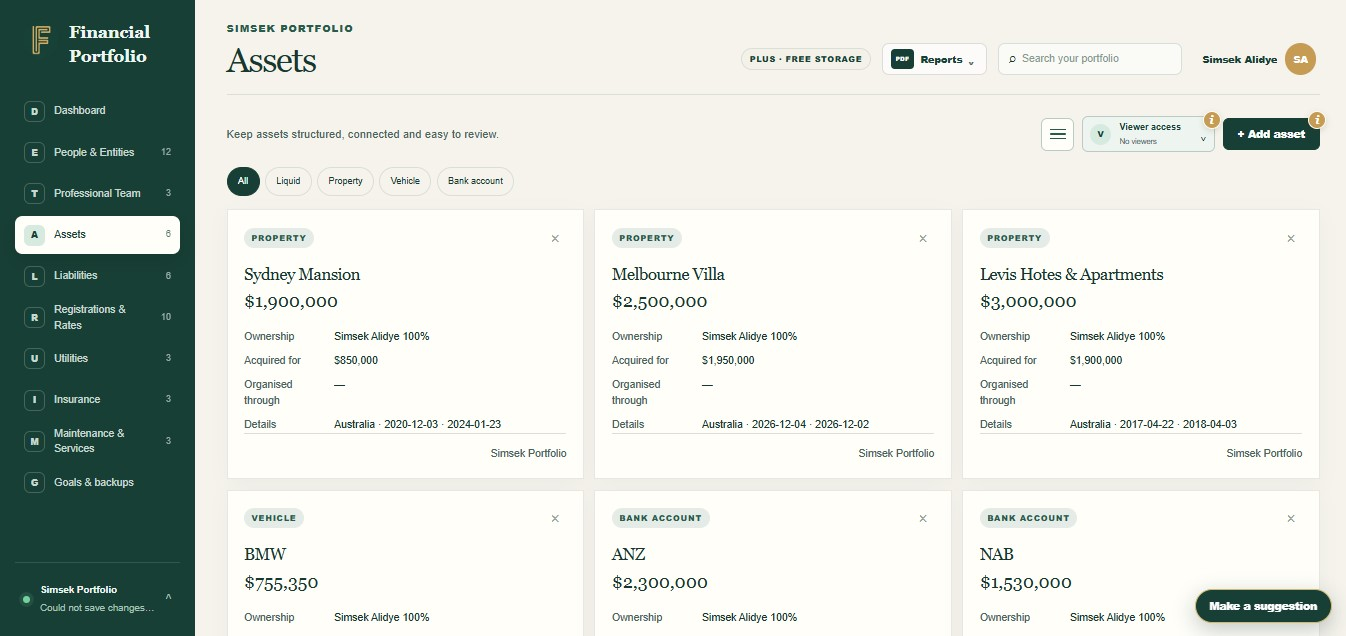

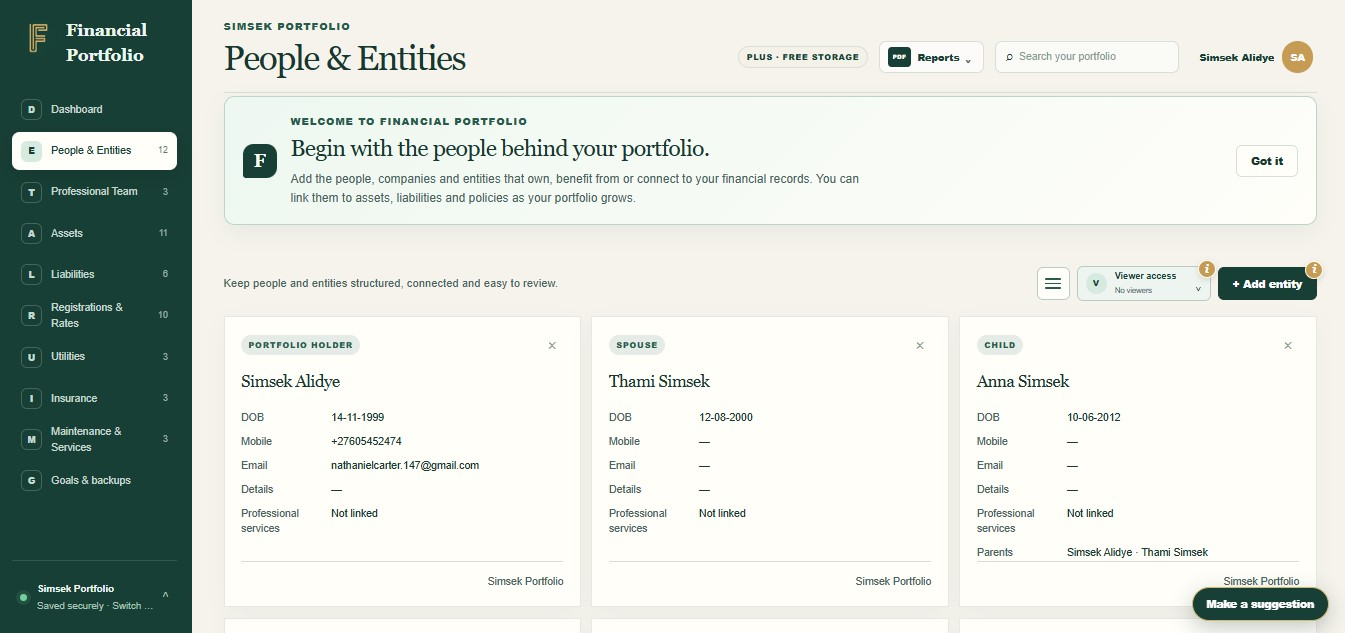
Create your first portfolio records
Begin with people and entities, then add your first asset and liability.
View walkthrough FINANCIAL PORTFOLIO
Family home
Add and share a document
Attach a file to the right record and decide who should be able to see it.
View walkthrough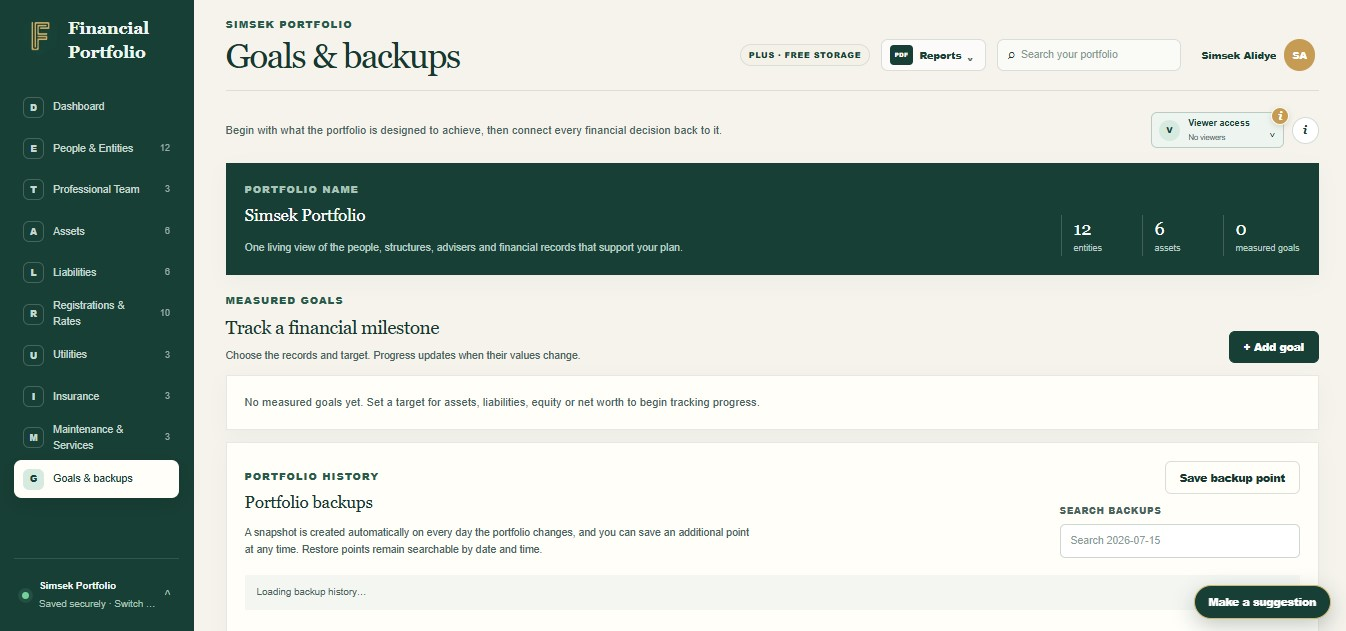
Set a portfolio goal
Choose a measure, select the records and follow progress towards your own target.
View walkthrough
A manageable first session
Build one useful connection at a time.
You can begin with a person and one familiar asset. Add its related debt or policy, attach the current supporting document and check that each value has a source date.
- Name the people and recordsUse names another person would understand.
- Connect the evidenceKeep a statement or policy beside the item it explains.
- Review before sharingCheck the values, documents and viewer permissions.
How do I start using Financial Portfolio?
Start with people and entities, then add an asset and any related liability. Check the dashboard against your source documents before adding more records.
Which wealth tracker tutorial explains document sharing?
The add-and-share-a-document walkthrough shows how to upload a supported file and check the separate viewer and document permissions.

Start with what you have
Bring your financial life into focus.
You do not need every detail on day one. Start with the records that matter most, then build a clearer picture at your own pace.