


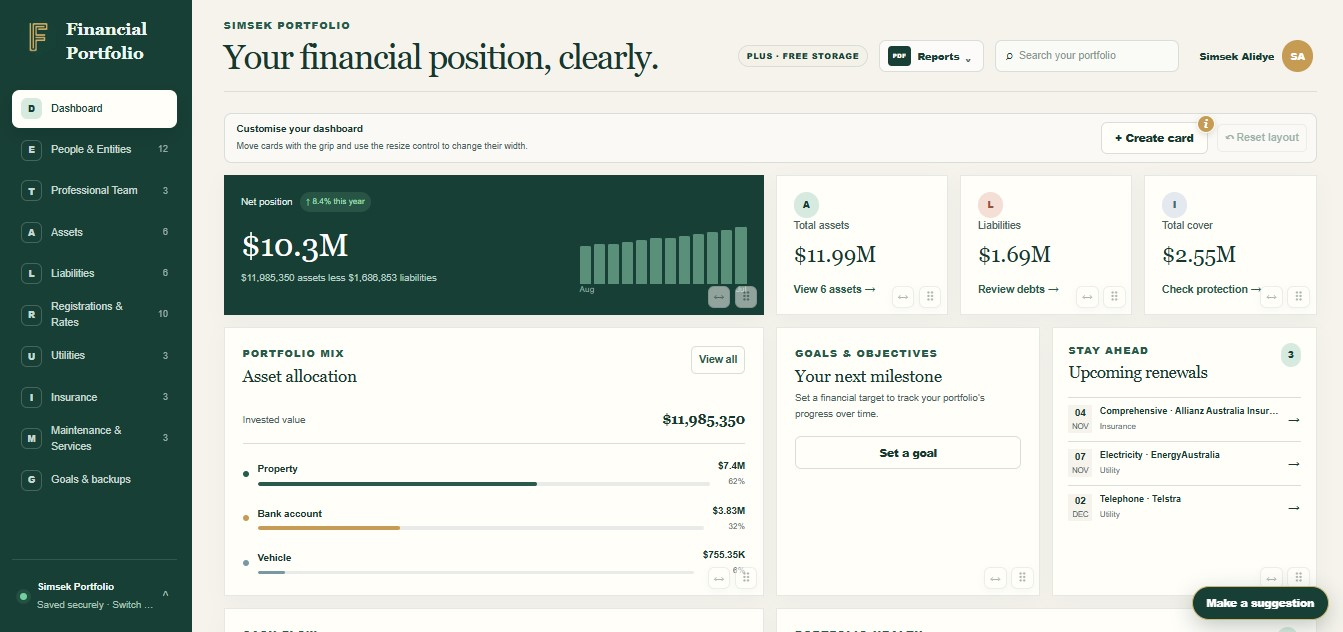
Net worth dashboard
Bring the assets you own and the debts you owe into one view, so you can understand the bigger picture.
- Understand what it adds up to
- Keep the context close
- Make it your own
Financial Portfolio features
Your home, super, savings and paperwork all belong to the same story. Bring them together in an Australian wealth tracker app that helps you see what you have, how it connects and who needs to know.

Explore what you can do
Begin with the part of your financial life you want to organise. Each feature connects to the next, so useful information stays together.
Bring the assets you own and the debts you owe into one view, so you can understand the bigger picture.
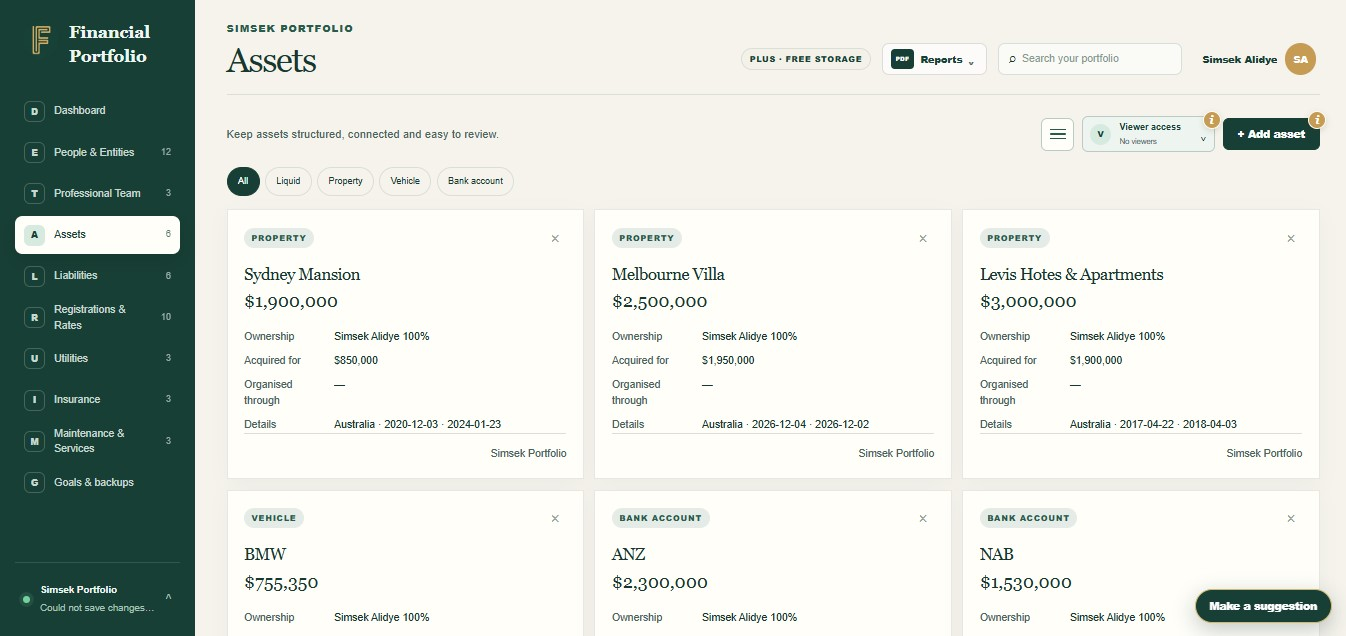
Keep property, super, shares, savings and other assets together, with their recorded values, owners and supporting documents.
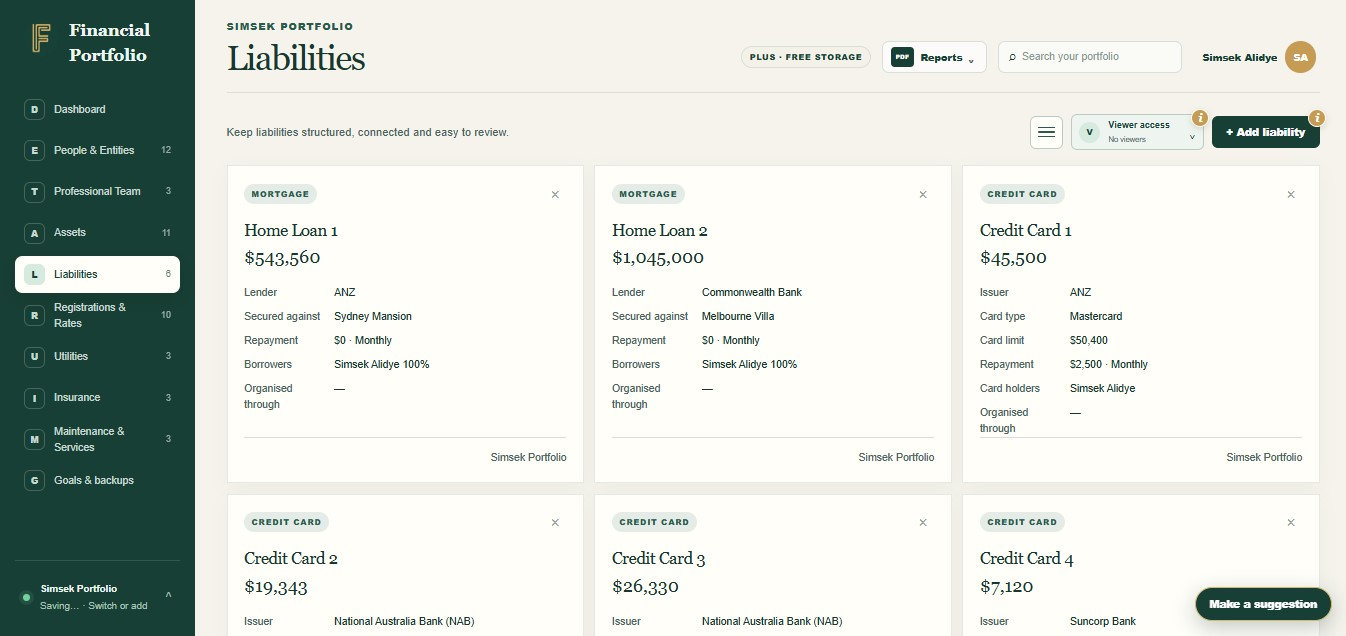
Organise mortgages, loans and credit card balances with the borrowers, assets and paperwork connected to them.
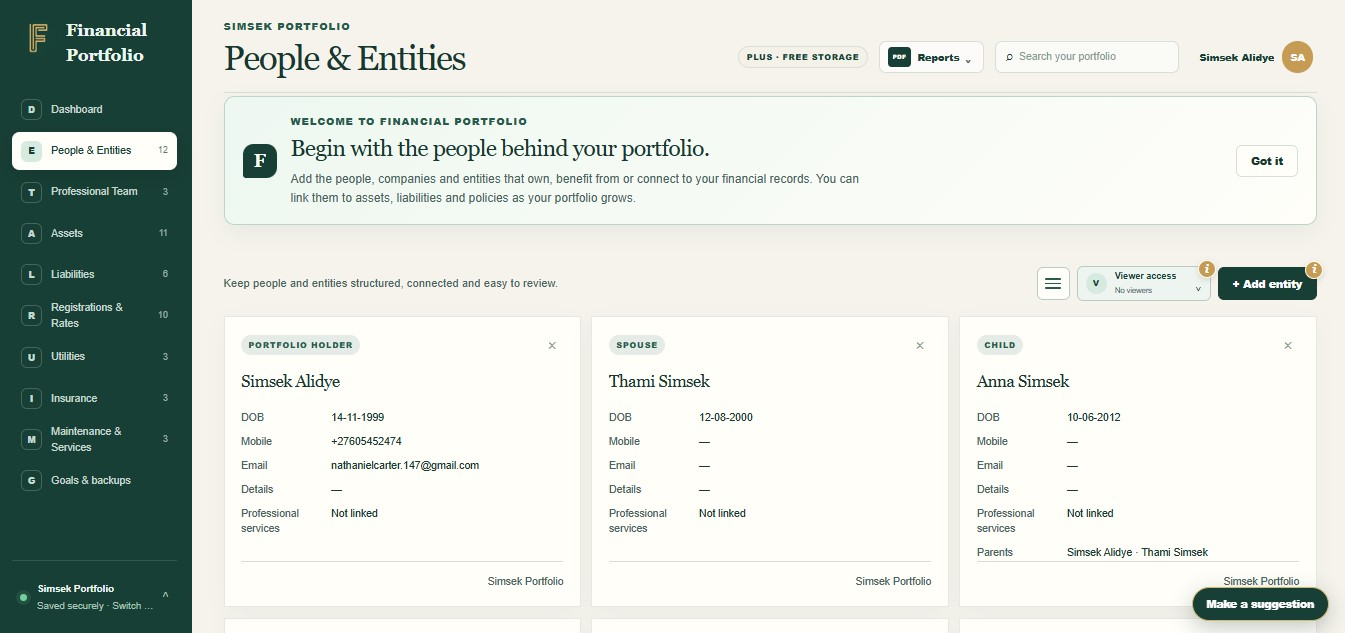
Bring individuals, families, companies, partnerships and trusts into the same financial picture.
Store statements, policies and other supporting files beside the asset, person or obligation they explain.
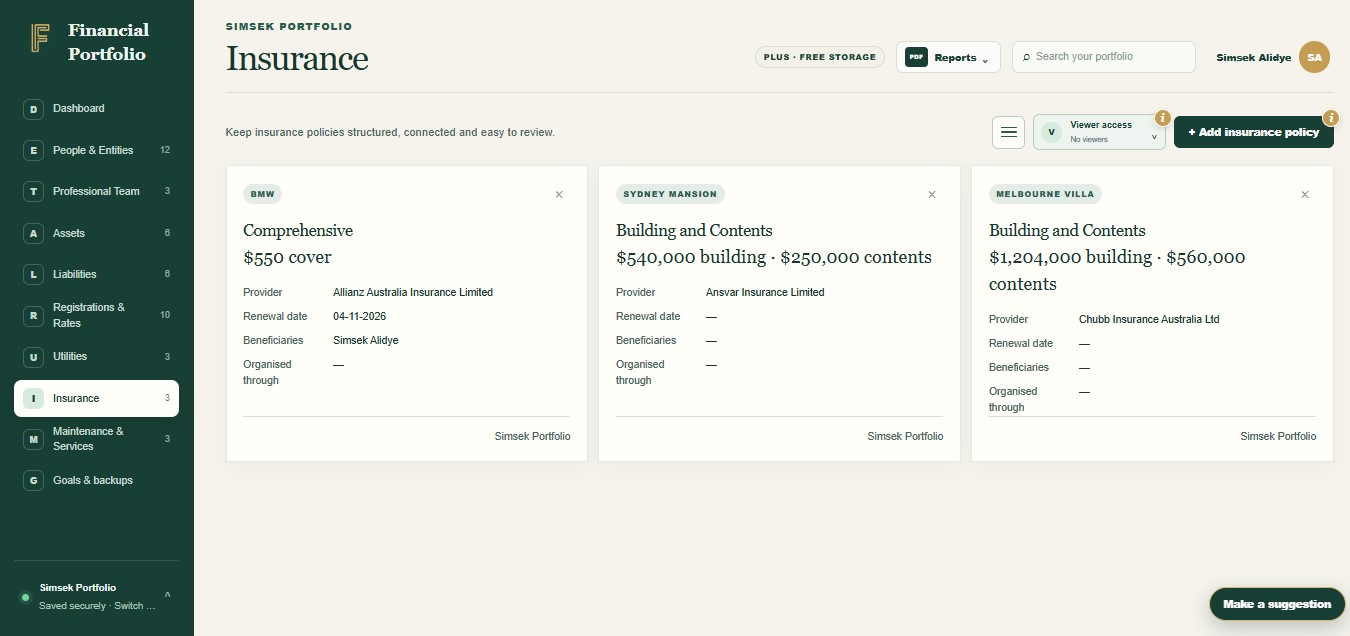
Organise policy details, renewal dates, recorded cover and beneficiaries alongside related assets and documents.
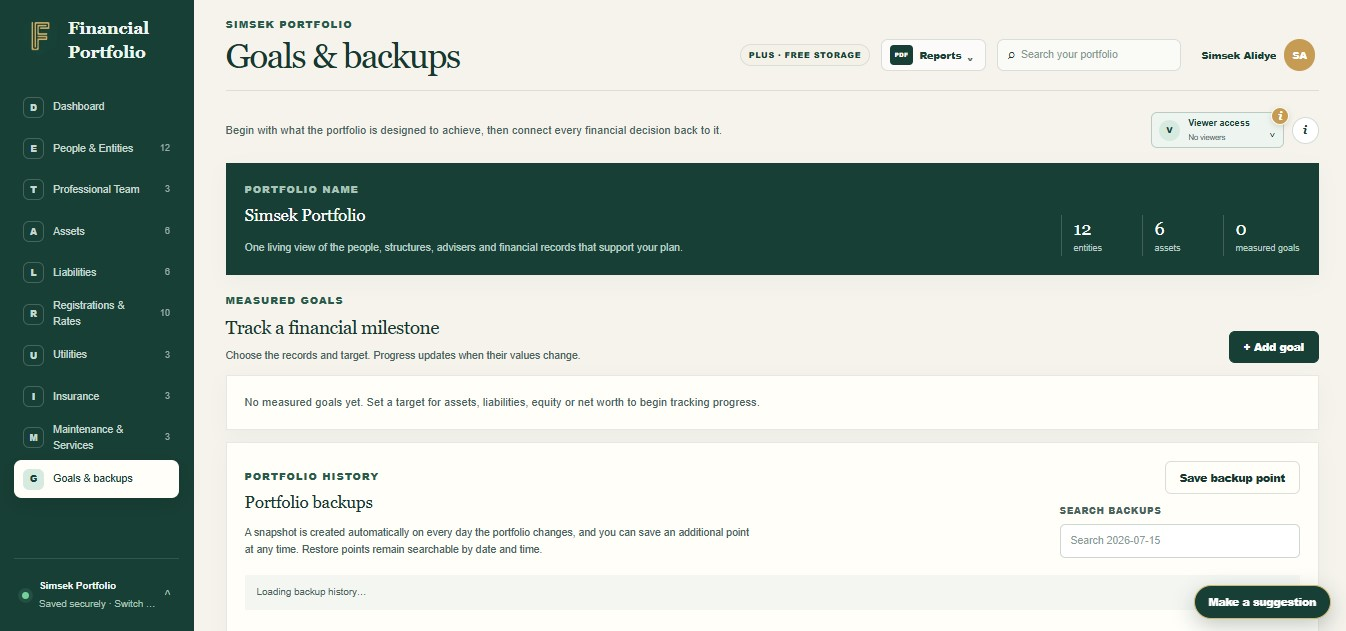
Set a measurable portfolio goal and see how your recorded assets, liabilities or net worth compare with it.
Give a family member or professional controlled, read-only access to selected sections of your portfolio.
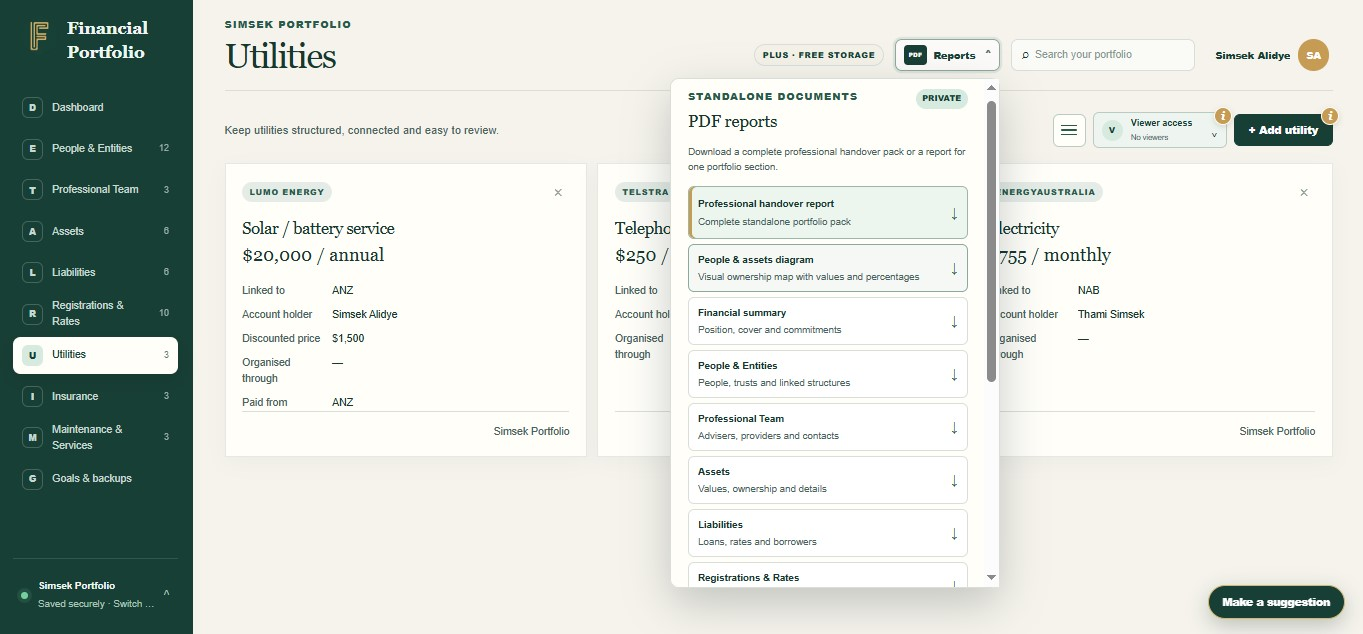
Create portfolio reports, explain ownership relationships and return to earlier saved records when you need to.
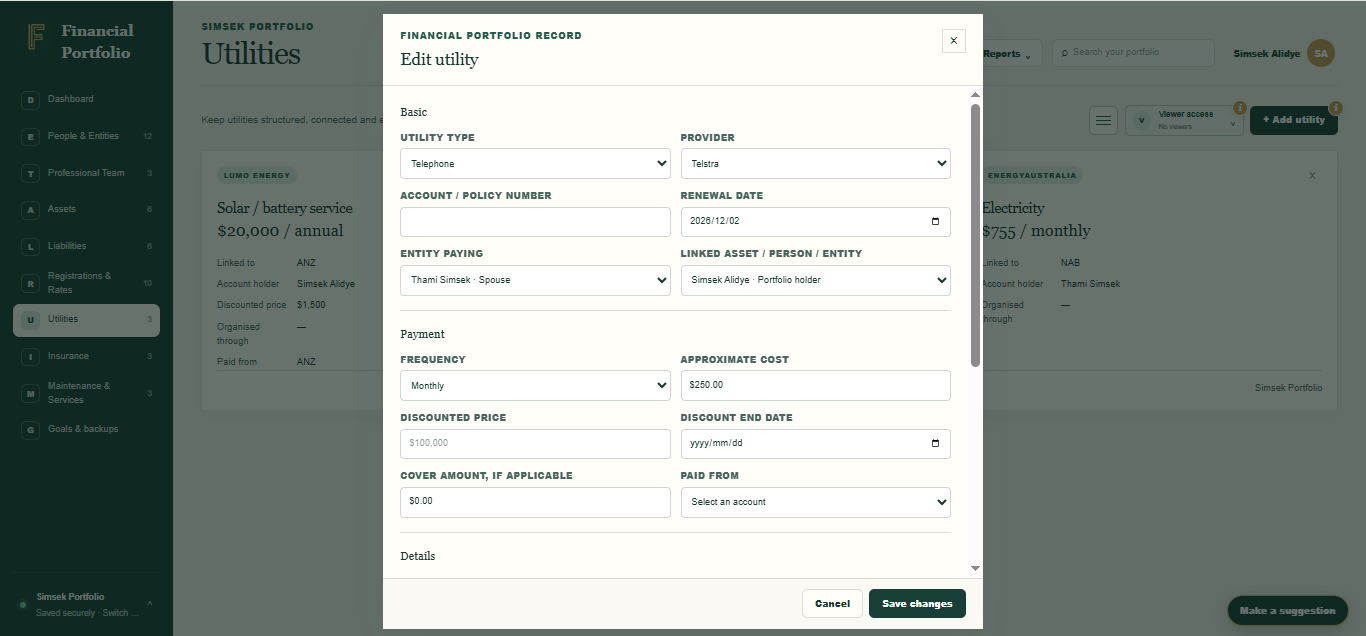
Organise utilities, registrations, rates and maintenance alongside the people and assets they relate to.
Feature availability and record detail vary by plan. Compare Core, Plus and Enriched.
Ready to take control?
Join Financial Portfolio and experience a simpler, more organised way to manage what matters most.
View plans
Make the next step yours
Find an approach that fits your life, try a free tool, or follow a practical guide.
An asset can be linked to its owners, related liabilities and supporting documents. Policies and recurring commitments can also connect to relevant records, so you can follow the context behind a number rather than searching through separate files. Available detail depends on your plan.
Financial Portfolio brings your recorded assets, debts, ownership relationships, policies, documents and commitments into connected sections. Start with the net worth dashboard, then open the underlying records for context.
No. You currently enter and maintain most values yourself. Open banking and automatic transaction imports are not available; connected-data features are in development.
People and ownership records, selected read-only viewer access, explicit document sharing and PDF reports can help you explain the information to someone you trust. Access to a record is not legal authority to act.
Start with the people or entities involved, then add a familiar asset and any related debt. Check the recorded values against your statements and build from there. The first-records tutorial walks through this approach.
Core covers the basic financial picture. Plus adds more detailed records and tools for growing portfolios and families. Enriched is in development. Check the pricing page for current plan information before deciding which features you need.
Start with what you have
You do not need every detail on day one. Start with the records that matter most, then build a clearer picture at your own pace.