

Prepare a useful handover
Generate a point-in-time summary for a discussion with your professional team.
Reports & restore points
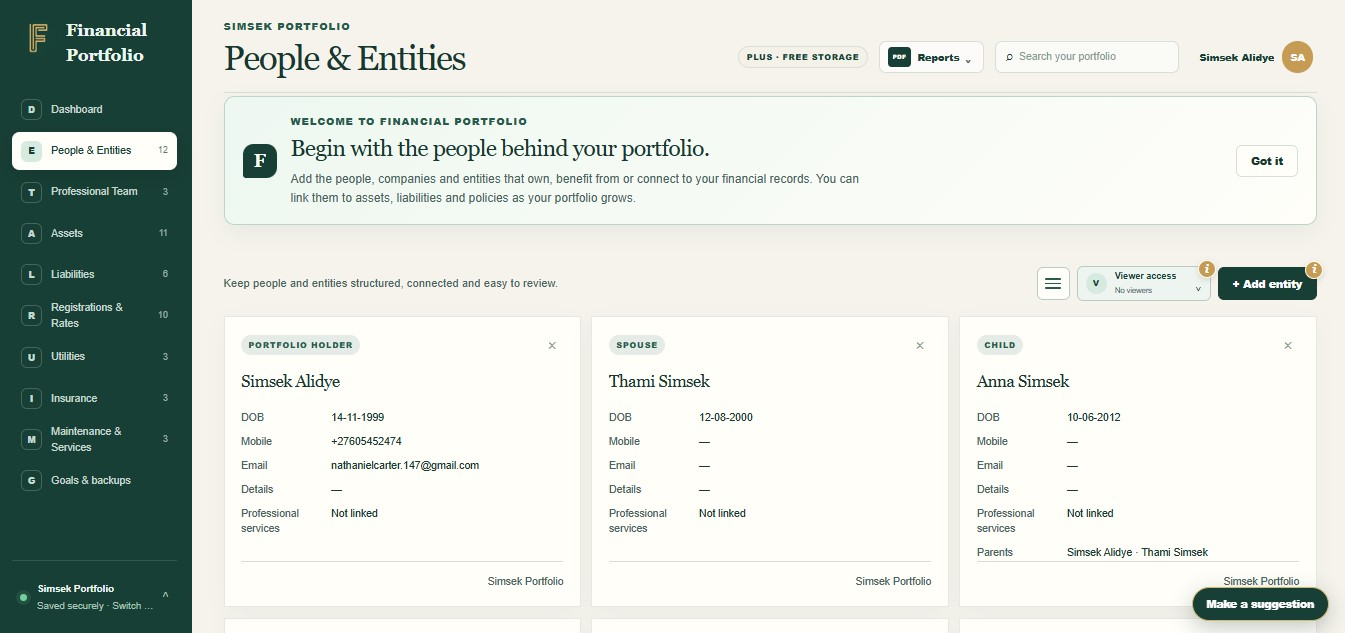
Create portfolio reports, explain ownership relationships and return to earlier saved records when you need to.
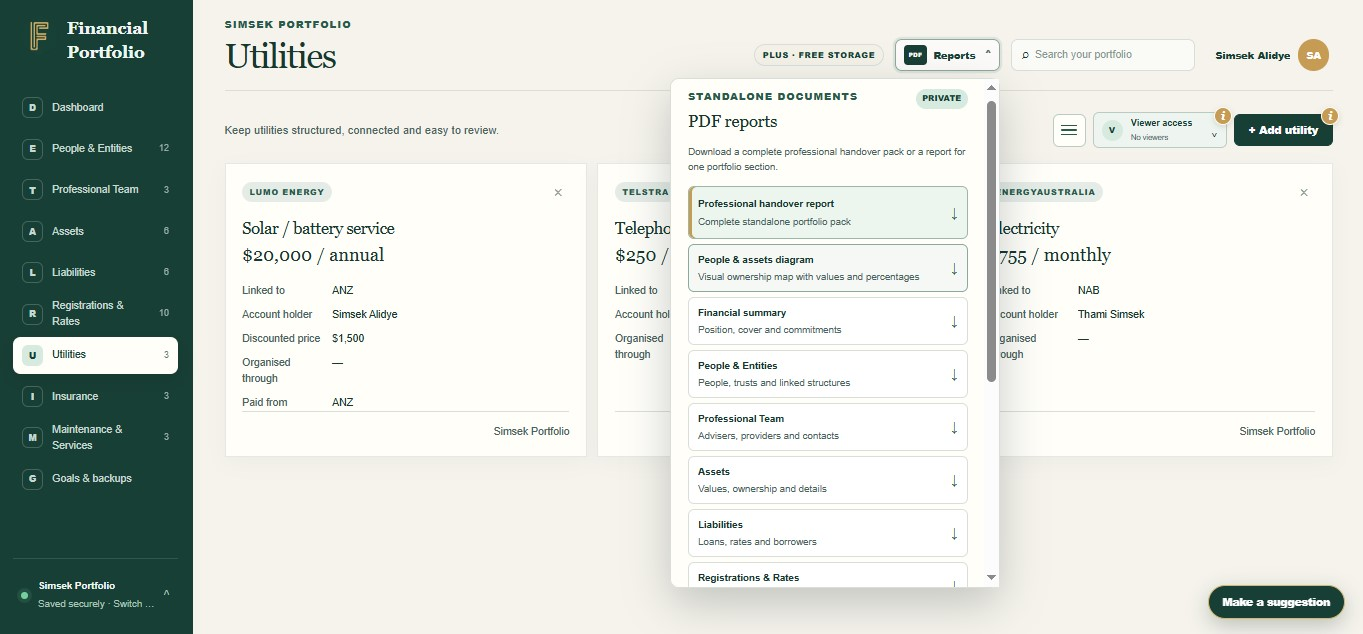
Generate a point-in-time summary for a discussion with your professional team.
Use an ownership diagram to make recorded relationships easier to follow.
Keep your information useful
Generate PDF reports for supported sections, your dashboard, an ownership diagram or a complete handover. Portfolio restore points preserve earlier record states, with PDF and CSV exports available from saved revisions.

The detail behind the view
Keeping information in an app is only useful if you can work with it when needed. We included reports for conversations outside the app and restore points for recovering from changes to your portfolio records.
Generate PDF reports for supported sections, your dashboard, an ownership diagram or a complete handover. Portfolio restore points preserve earlier record states, with PDF and CSV exports available from saved revisions.
Less searching. More understanding.
Create portfolio reports, explain ownership relationships and return to earlier saved records when you need to.
Generate a point-in-time summary for a discussion with your professional team.
Use an ownership diagram to make recorded relationships easier to follow.
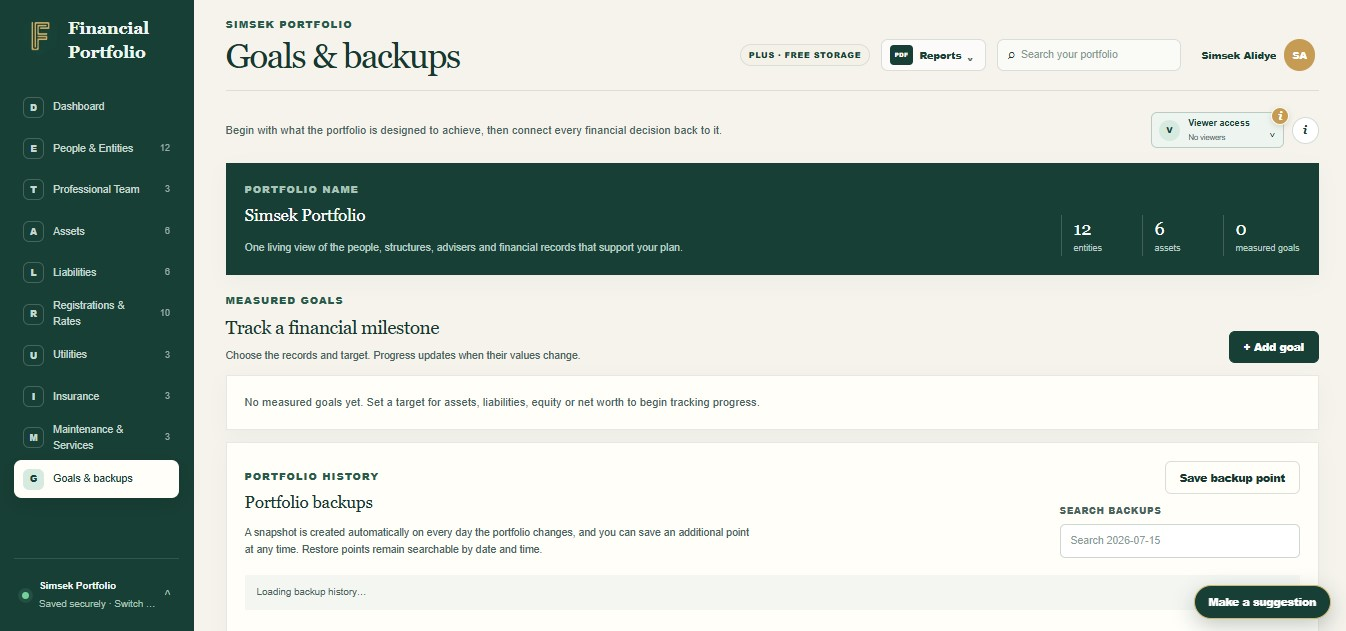
Create a manual restore point or use available daily revisions when correcting changes.
Ready to take control?
Join Financial Portfolio and experience a simpler, more organised way to manage what matters most.
How it works
You bring the information. Financial Portfolio gives it a structure you can come back to.
Keep your records up to date before generating a report.
Choose a PDF report, or open Goals & backups to find a restore point.
Download the permitted export or review a restore point carefully before restoring it.
Inside the feature
Made for real life
For households, families and Australians keeping track of more than one account or folder.
Update your records before producing a report. Use the summary as a starting point and keep your source statements available for checking.
Create a manual restore point before reorganising your records. If you need to return to it, review the earlier state and its sharing settings before restoring.
Keep your records connected
The first changed save of a Melbourne calendar day creates a revision. You can also create a manual snapshot.
No. Reports follow permissions. A complete report requires access to all sections, and the Viewer Access report is reserved for owners.
Use the app's report options to create a point-in-time summary of your recorded portfolio. Review the values and permissions before sharing the PDF outside the app.
It visualises recorded relationships among people, entities and assets. It can make a discussion easier but cannot verify legal title or beneficial ownership.
The documented restore feature returns supported portfolio records to an earlier saved revision. It should not be treated as a guarantee that deleted document file contents can be restored.
Start with what you have
You do not need every detail on day one. Start with the records that matter most, then build a clearer picture at your own pace.