Wealth tracker comparisons
Top 5 wealth tracker apps for Australians in 2026: a practical comparison
Compare Financial Portfolio, WealthStacker, Track My Wealth, Richify and Sharesight in 2026 by purpose, price, upkeep and family use, with more context than the number on a dashboard.

At a glance
What to know first
The most useful wealth tracker is the one that answers your actual question.
Use this table to build a shortlist, then read the individual sections before deciding.
Financial Portfolio approaches wealth tracking as a record-keeping problem as well as a numbers problem.
In this article
Choose the job before choosing the app
The most useful wealth tracker is the one that answers your actual question. A household wanting to understand its assets and debts needs something different from an investor measuring dividend returns, or a family preparing an information handover. This shortlist covers those different jobs rather than treating every finance app as interchangeable.
Published by Financial Portfolio: we include our own app first. The order is an editorial shortlist, not an independently scored ranking. We compared public provider documentation and our own product documentation; we did not conduct hands-on performance tests, verify providers' security claims or purchase each subscription. Prices and availability were checked on 9 October 2026.
Financial Portfolio is currently presented through a prelaunch preview and enquiries/waitlist. It should not be mistaken for an immediately available self-service subscription. The comparison gives that limitation the same weight as paid features, manual updates and missing capabilities in other products.
At a glance: five apps and their trade-offs
Use this table to build a shortlist, then read the individual sections before deciding. Prices are in Australian dollars where stated. Annual billing is a commitment to an annual amount, not a monthly cancellation option. App-store offers, tax-reporting packages and future product availability can change, so confirm the purchase or enquiry screen.
On smaller screens, scroll the table sideways to compare every column. Prices and availability checked 9 October 2026.
| App | Best fit | Price and availability | Updates | Key trade-off |
|---|---|---|---|---|
 Financial Portfolio Financial Portfolio | Connected family records, owners and documents | Prelaunch enquiries/waitlist; confirm current plan access | Primarily maintained by you | Not an automatic whole-portfolio feed or legal estate-planning service |
 WealthStacker WealthStacker | Property equity and portfolio scenarios | Free access advertised, no card required | Connected market holdings and property estimates | Some promoted AI/adviser tools are coming soon |
 Track My Wealth Track My Wealth | Broad household asset-and-debt tracking | Starter free; Advanced A$12.99/month or A$129/year | Manual balances with market-price lookups | No automatic bank feeds; advanced planning is paid |
 Richify Richify | Mobile tracking and conversational education | Free download/trial; AU iOS Premium A$12.99/month or A$59.99/year | Manual/imported records and market refreshes | Unlimited use is paid; verify AI explanations |
 Sharesight Sharesight | Share/ETF performance and investment reporting | Free up to 10 holdings; Basic A$9/month annually or A$12 monthly | Market prices, dividends and broker imports | Does not track liabilities; closed holdings count toward the free cap |
1. Financial Portfolio: connected records for families
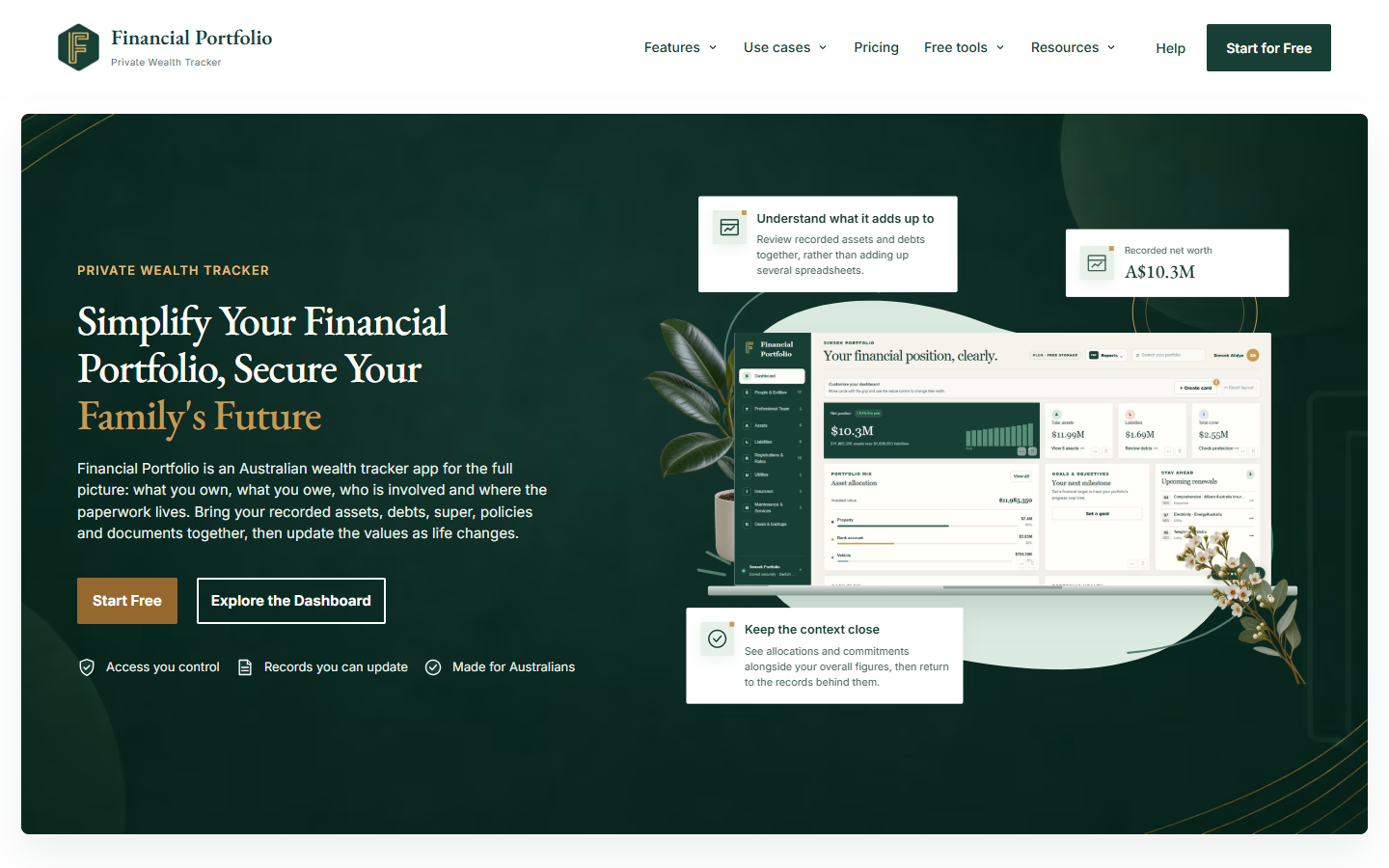
Best for: Families who want the assets, debts, owners, professional contacts and documents behind their financial picture to stay connected.
Financial Portfolio approaches wealth tracking as a record-keeping problem as well as a numbers problem. An asset can be connected to a person or legal entity, a liability and supporting paperwork. That makes it relevant when one family member currently carries most of the knowledge about where everything is and how it fits together.
Its documented family and professional sharing supports owner-managed, read-only viewer access to selected sections. Documents need explicit sharing as well as the appropriate record access. This is not a promise that every field has its own sharing switch: assess the section boundaries against the information you intend to disclose.
The limitations are material. Values are primarily maintained by the user, ownership is not independently verified, and the app does not automatically refresh the whole portfolio. Feature detail and document allowances depend on the plan. There is no promise of automatic account inheritance or access after death, and storing estate information does not create a will or legal authority.
The public site currently directs people to plans and enquiries. Confirm availability and the required features before relying on access. If your main need is automatic daily investment performance or a service you can use immediately, compare the live alternatives below. If your priority is a family-readable record, explore the ownership and document workflows first.
Pros
- Connects financial records with people, entities and supporting documents.
- Read-only viewers can be given selected section access, with separate document-sharing decisions.
- A useful approach to preparing information for family and professional conversations.
Cons and limitations
- Prelaunch access must be confirmed; this is not an immediate public signup recommendation.
- Manual upkeep is central; it is not a complete automatic bank-feed service.
- Does not replace legal estate planning, verify ownership or provide guaranteed emergency access.
2. WealthStacker: property and portfolio scenarios
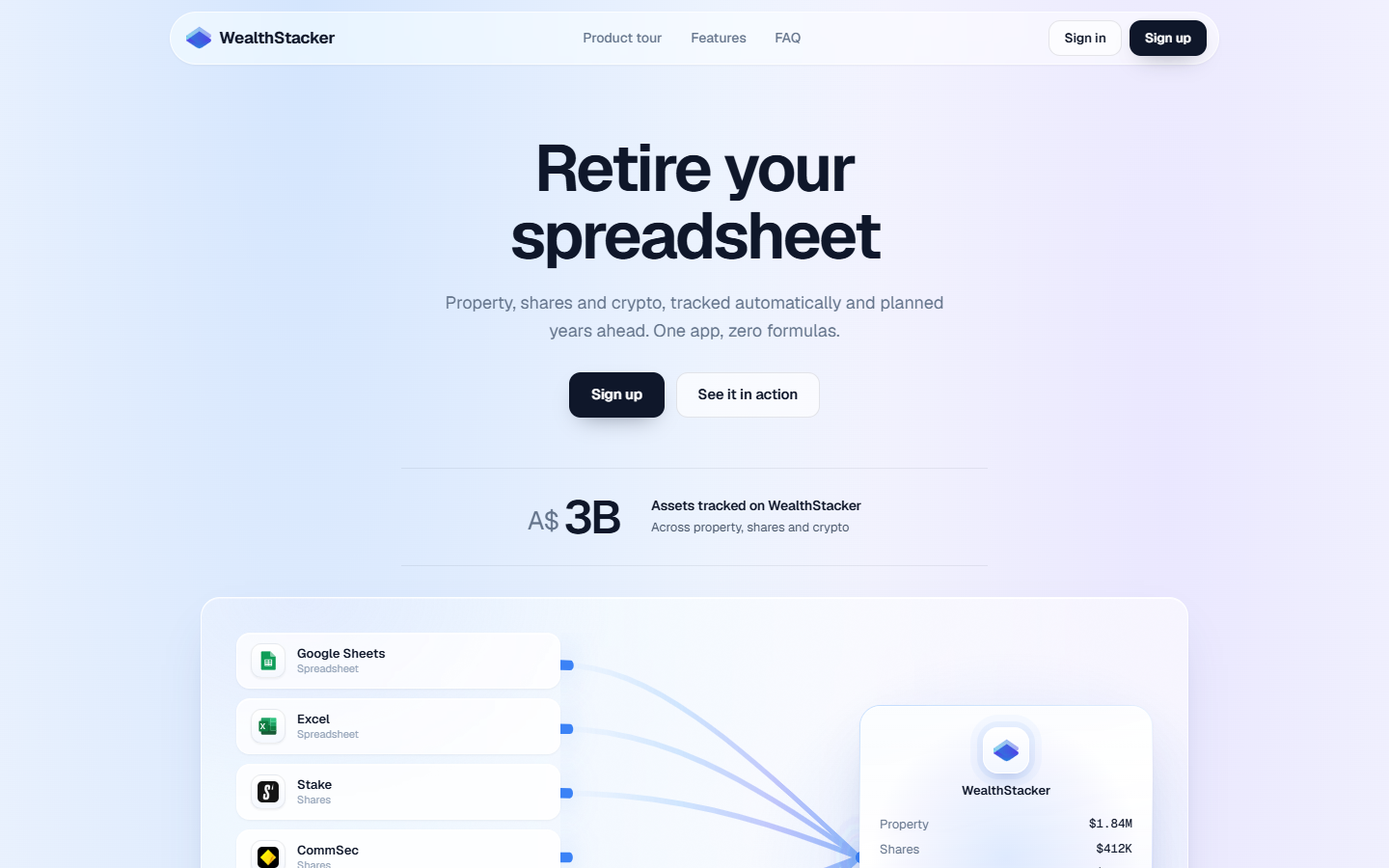
Best for: Australian property investors interested in equity and cash-flow context alongside their market holdings.
WealthStacker's product page advertises free access, property estimates, connected shares and crypto, and spreadsheet imports. Its emphasis on property values, loans and equity may appeal if your first question is how property fits into the wider portfolio.
Availability needs careful reading. The current homepage marks its AI portfolio strategist and adviser-sharing presentation as coming soon, even though other copy describes AI assistance. We have therefore not treated those promoted experiences as verified live capabilities. Ask for a demonstration of the exact feature you intend to use.
Its terms describe outputs as illustrative and dependent on supplied information and third-party data. A property estimate is not a bank valuation, credit approval or an instruction to transact. Keep that distinction in mind when using an attractive equity chart to prepare a discussion with a broker or adviser.
A useful evaluation would compare a familiar property's recorded loan and estimate with your own dated sources, then inspect how the tool represents another owner or entity. The decision is whether the property workflow reduces your work, not whether a projected outcome looks appealing.
Pros
- Property-focused equity and cash-flow presentation.
- Connected market holdings and spreadsheet imports are advertised.
- Free access is advertised without a card.
Cons and limitations
- Some promoted AI and adviser experiences are labelled coming soon.
- Illustrative estimates are not transaction-grade valuations or lending decisions.
- Check the exact sharing workflow rather than assuming a future presentation feature is live.
3. Track My Wealth: a broad household ledger

Best for: Households wanting a free asset-and-debt starting point, with optional paid planning tools.
Track My Wealth describes coverage across property, super, shares, cash, crypto and loans, with household sharing roles. Its FAQ distinguishes market-price lookups from bank connections: it does not provide automatic bank feeds. Native mobile apps are marked coming soon; evaluate the current web product on the devices you use.
The pricing page lists a free Starter plan with one owned wealth file. Shared files do not count toward that owned-file limit. Advanced is A$12.99 monthly or A$129 annually, including GST, with additional files and planning/reporting features. The paid trial requires a card, so check renewal terms before starting it.
The help documentation explains that historical charts can use estimated growth when actual historical values have not been entered. It also describes limitations in retirement projections, including omitted tax, fees and other complexities. Treat modelled histories and scenarios as calculations to inspect, not observed financial results or personal advice.
For a family evaluating an inexpensive starting point, the useful test is whether another household member can interpret the same file and recognise which balances need updating. If the free file covers your scope, paying for more projections may add less value than establishing a consistent review routine.
Pros
- A free household view includes both assets and debts.
- Documented sharing roles support collaborative use.
- Optional paid tools let users choose a broader planning workflow.
Cons and limitations
- No automatic bank feeds.
- Additional owned files and advanced planning require a paid plan.
- Estimated histories and simplified projections require interpretation.
4. Richify: mobile tracking with conversational education
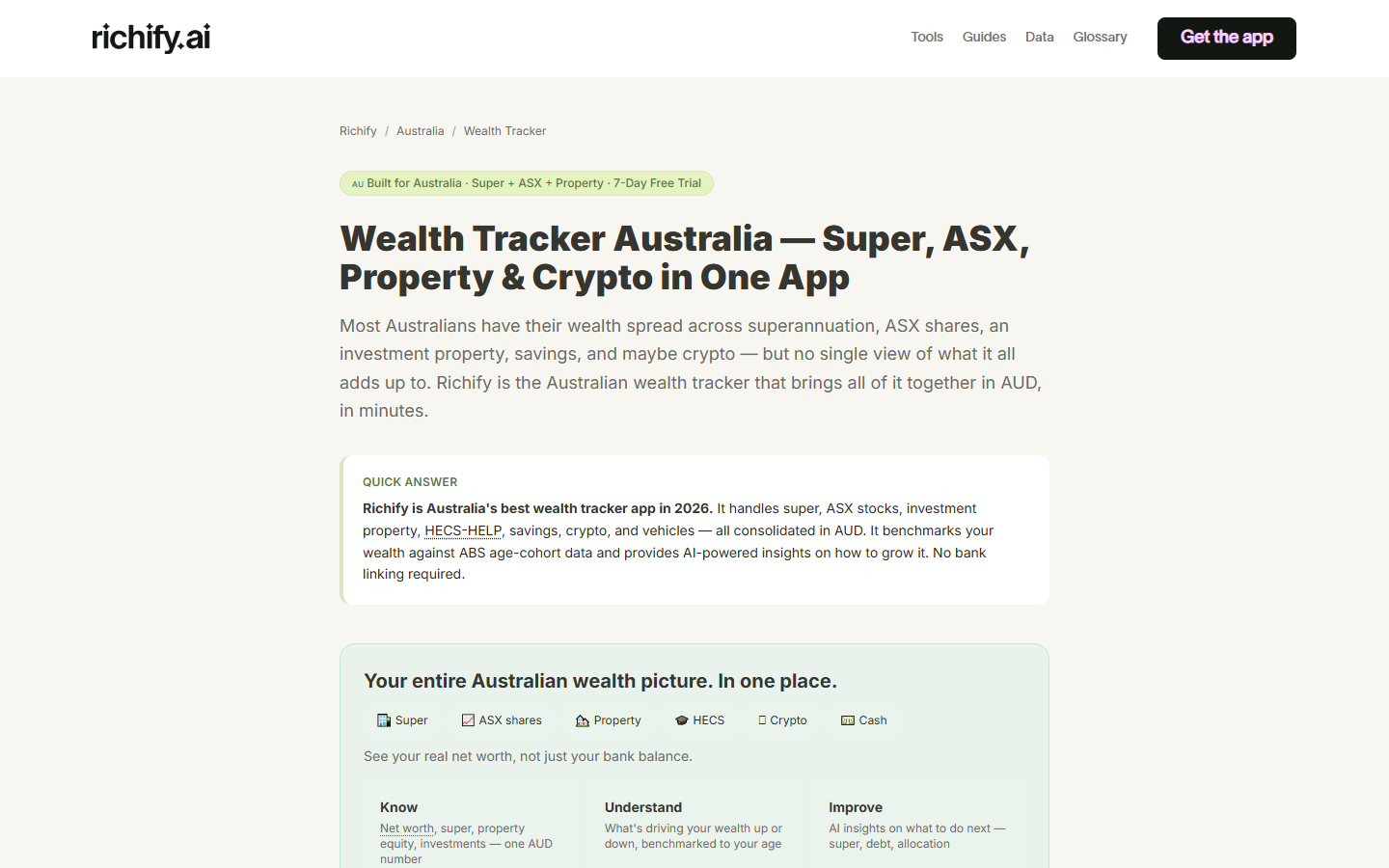
Best for: People who prefer a mobile asset-and-debt view with conversational explanations of financial concepts.
Richify's Australian page positions the product around familiar categories such as super, property, ASX investments and education debt. Its store listings describe manual entry, imports and market refreshes, alongside AI conversations. That combination may interest someone who wants help interpreting a financial overview on a phone.
Do not read free download as unlimited free use. The Australian iOS listing displays Premium at A$12.99 monthly or A$59.99 yearly. Premium expands asset tracking, conversations and analytics. The homepage advertises a trial; the actual offer may vary by platform and purchase screen. Verify the terms you are shown.
Richify's terms describe its educational role and warn that AI output can be inaccurate or outdated. A confident explanation should not be mistaken for a verified tax calculation or personal financial recommendation. Check important claims against primary sources or with an appropriately qualified professional.
For a buying decision, separate the value of the tracker from the value of the conversation feature. Check which records remain useful without a Premium subscription, how you can review an imported value, and whether the mobile workflow suits the other person who may help maintain your records.
Pros
- Mobile asset-and-liability tracking with Australian categories.
- Conversational education may help users formulate questions.
- Imports and multi-currency tracking are described in official store information.
Cons and limitations
- Unlimited use and advanced features are paid.
- AI explanations need independent verification.
- Trial terms and platform pricing should be checked in the app.
5. Sharesight: investment performance and reporting
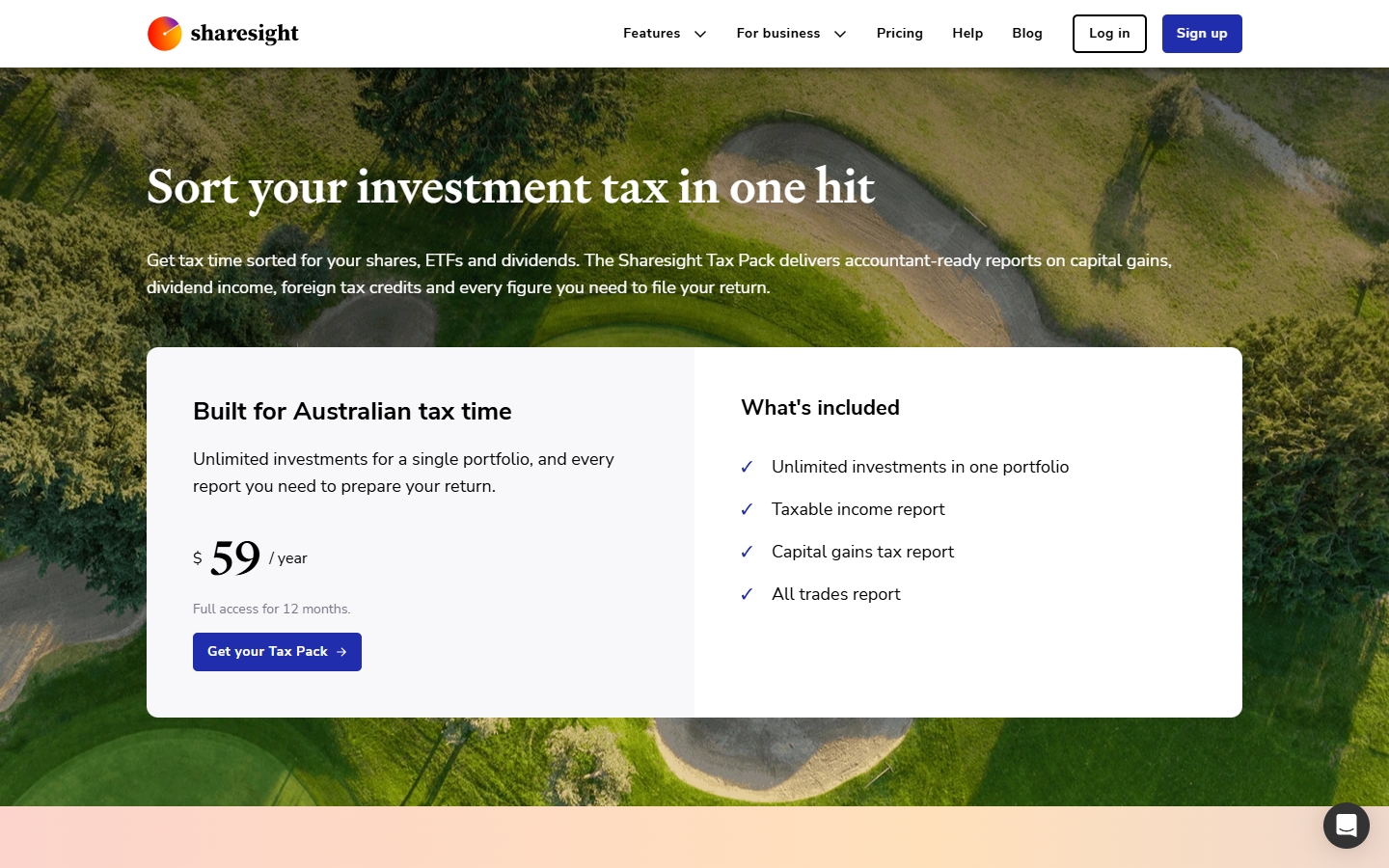
Best for: Australian share and ETF investors who prioritise returns, distributions and investment tax-reporting workflows.
Sharesight's features focus on portfolio performance, market prices, dividends, corporate actions and investment reporting. Broker imports can reduce some transaction-entry work. For someone whose main question is how securities performed, this specialist approach may be more relevant than a general household register.
It would be inaccurate to call Sharesight shares-only. Its supported-investments documentation includes custom property and accumulation-super entries. However, those custom values require maintenance, and liabilities are explicitly excluded. A property entry therefore does not turn the service into a complete mortgage-inclusive household net-worth tracker.
The Australian pricing page lists a free portfolio with up to ten holdings, including closed holdings. Basic is A$9 per month billed annually, or A$12 on monthly billing. Tax-report availability depends on the plan or separate package; confirm the particular reports you need rather than assuming every paid tier includes everything.
Sharing documentation describes read-only, read/write and administrator access. Family or accountant sharing is therefore not unique to Financial Portfolio. The practical distinction is which records the product specialises in. You may choose Sharesight for securities reporting and maintain a separate household record for debts, ownership context and broader paperwork.
Pros
- Detailed investment performance and dividend workflows.
- Broker imports and Australian investment-reporting options.
- Documented sharing roles for other users.
Cons and limitations
- Liabilities are not tracked.
- The free holding cap includes closed positions.
- Custom property values need manual updates, and report access varies by plan or package.
What families should compare beyond net worth
For family use, a total is only the beginning. The person who assembled a portfolio may understand every abbreviation while a partner sees a list of unexplained accounts. During a demonstration, ask a second person to find one record, identify its owner and locate the information supporting it. This tests whether the system makes knowledge transferable.
Check access at the level the app actually supports. Whole-portfolio, section and individual-document permissions are different boundaries. Ask what a viewer can download and whether removing access also affects copies already exported. Do not share a password as a shortcut to understanding those permissions.
Estate preparation introduces a separate question: what happens if the organiser cannot maintain the account? Ordinary sharing is not evidence of a documented incapacity or deceased-estate process. ASIC Moneysmart explains the role of wills, powers of attorney and beneficiary arrangements. Software that records information does not replace those legal arrangements.
Read our family app buying checklist and estate preparation software comparison for questions that help separate document organisation from legal services.
- Check who owns each record and whether a joint asset is counted twice.
- Ask how values are updated and whether dates and estimates remain visible.
- Test a viewer's actual experience using sample records.
- Confirm document access, downloads, exports and cancellation arrangements.
- Ask for the documented process when the owner cannot operate the account.
Free versus paid: compare the whole workflow
A free plan can be enough when it covers the records you maintain and the people who need to understand them. A paid plan may be worthwhile when it removes a recurring task you genuinely have, such as preparing particular investment reports or managing several separate files. More tools do not automatically make a household record clearer.
Write down the minimum features you need before beginning a trial. Include the number of holdings or files, document allowances, required reports, sharing roles and export options. Then compare the cost of that complete configuration. A low entry price tells you little if the feature that motivated the purchase sits in another tier.
Allow for maintenance time. A connected market price does not confirm the owner of an asset, reconcile every liability or prove that a document is current. Conversely, a manual organiser can be entirely useful if its review routine is manageable. Decide which figures need frequent updates and which records mainly need reliable context.
A practical way to evaluate your shortlist
Start with invented records or a small, non-sensitive sample. Use the same example across two shortlisted products: an asset, a related debt, another owner and a supporting file where the product supports those items. For an investment specialist, substitute a small portfolio scenario and the particular report you require. Keep the comparison tied to each product's intended purpose.
Record anything you cannot verify. Does the feature exist now, depend on a paid plan or appear only in a roadmap? Can another household member follow the workflow? Can you obtain the information you need outside the app? Ask for answers before moving a full archive of personal records.
Read the privacy policy and access documentation. The OAIC's online safety guidance recommends distinct, strong passwords and care with personal information. This article has not audited the security of any provider, so do not interpret inclusion as a security certification.
Conclusion: the right choice depends on the records you need
Financial Portfolio is worth considering for connected family records and supporting documents, provided its manual maintenance model and confirmed launch access suit you. WealthStacker deserves a look when property context is central. Track My Wealth offers a broad free household starting point. Richify may suit people who value a mobile experience with educational conversations. Sharesight is the more focused candidate when securities performance and investment reporting drive the decision.
There is no defensible single winner for all five jobs based on this documentation review. A household can reasonably choose a specialist investment tracker alongside a record organiser, or stay with a well-maintained spreadsheet when its needs are simple. Choose the smallest set of tools that answers your questions without creating unnecessary duplicate upkeep.
For Financial Portfolio, review the feature archive, compare the plans and confirm current access. For professional collaboration, use our adviser-sharing buying checklist. The best next step is to verify your essential workflow, not to buy on the strength of a ranking.
Sources and further information
Facts and sources checked on . External sources support the general information; product details reflect Financial Portfolio’s documentation.
- Financial Portfolio: Current features and limitations
- WealthStacker: Product and availability
- WealthStacker: Terms of use
- Track My Wealth: Product
- Track My Wealth: Pricing
- Track My Wealth: Help and modelling limitations
- Richify: Australian wealth tracker
- Richify: Australian App Store pricing
- Richify: Terms
- Sharesight: Features
- Sharesight: Supported investments and excluded liabilities
- Sharesight: Australian pricing
- Sharesight: Sharing portfolios
- ASIC Moneysmart: Wills and powers of attorney
- OAIC: Online safety